
Cabinet keeps going dark
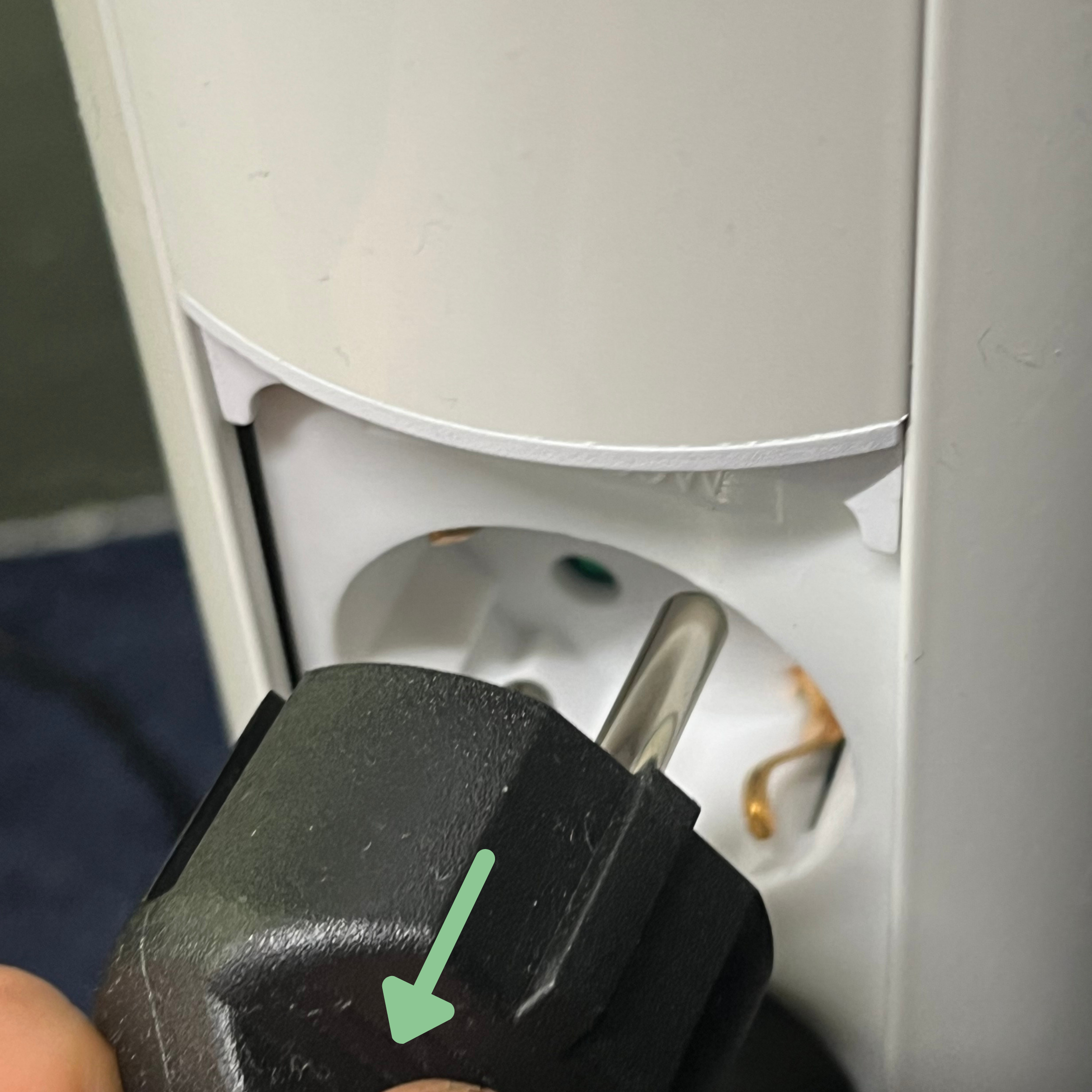
Step 1: Unplug the cabinet
Unplug the cabinet from the mains.
Step 2: Unplug connector 2
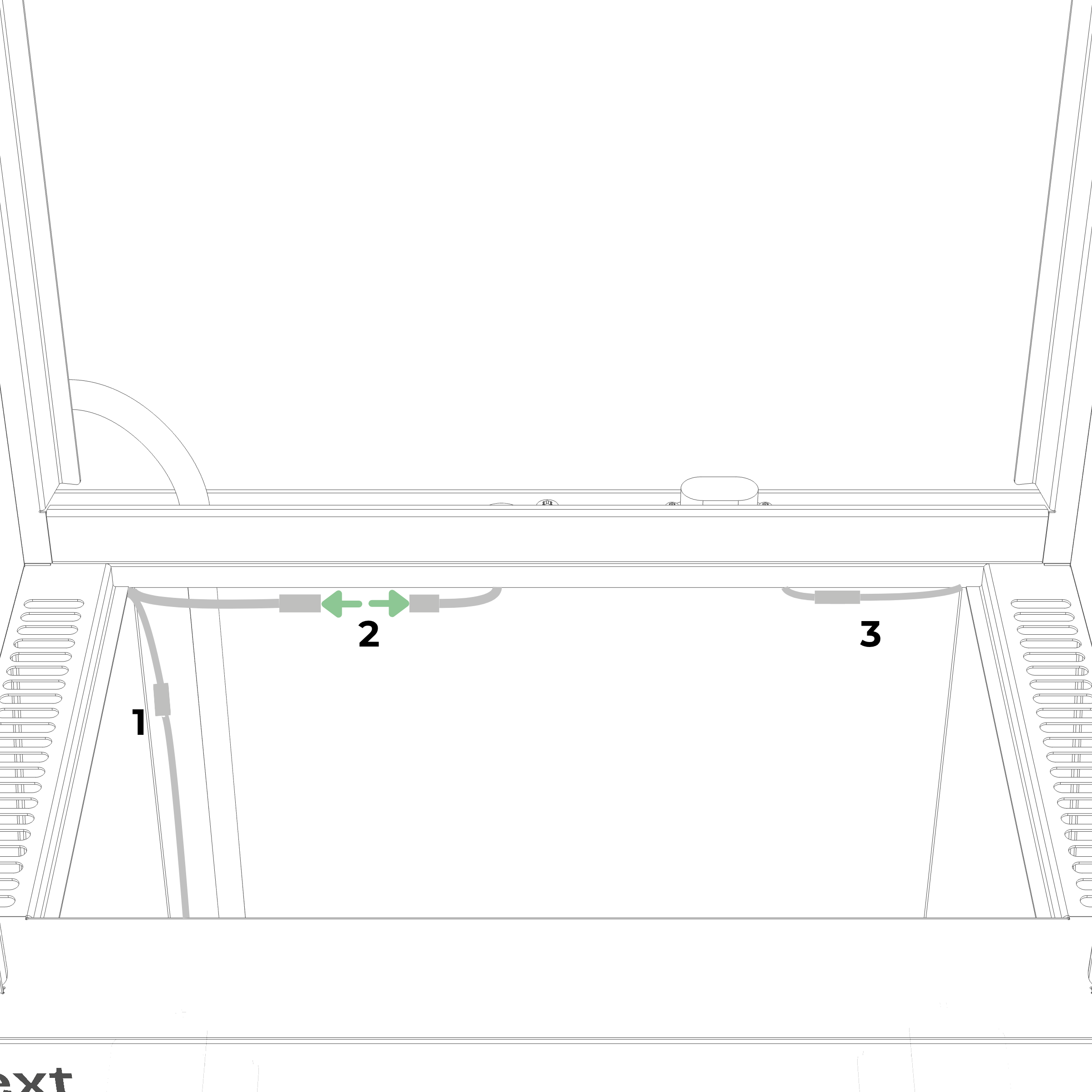
Open the water tank and disconnect connector 2, the fogger connector. Leave connectors 1 and 3 connected. Keep the loose connector ends out of the water.
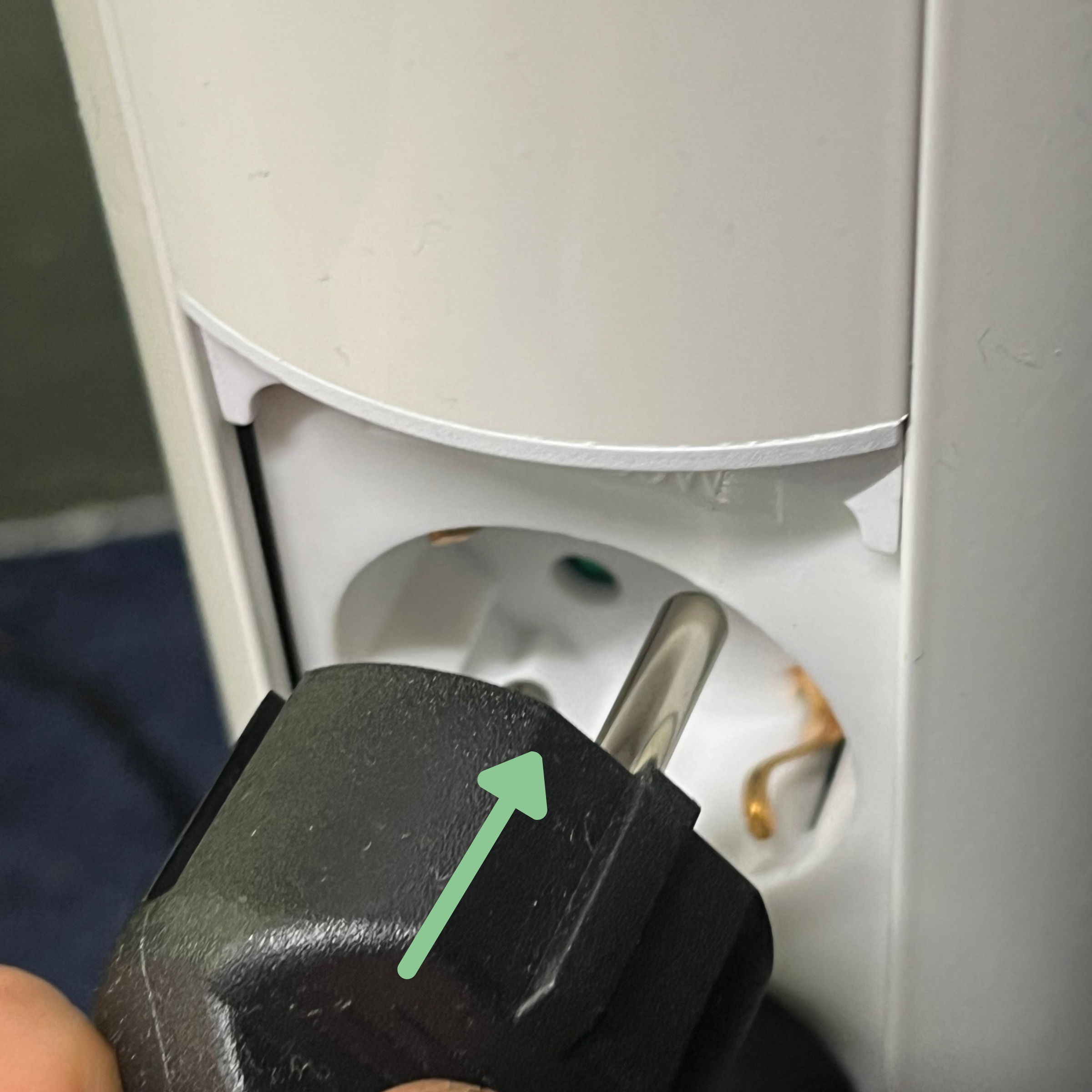
Step 3: Plug the cabinet back in
Plug the cabinet back into the mains.
Step 4: Check if the cabinet stays on
Wait for the cabinet to turn on. It can take up to a minute.
If the cabinet turns on and stays on, the fogger is causing the problem. Continue to the next section.
If the cabinet still keeps going dark, unplug the cabinet and reconnect connector 2, with the arrows pointing at each other. Push it straight in until it is fully seated, then tighten the threaded collar until hand-tight. Continue to Still need help?
If the fogger is faulty
Email support@vext.fi and tell us the cabinet stays on with the fogger unplugged.
While you wait for a response, keep the cabinet running with connector 2 unplugged.
Protect the unplugged connector ends with electrical tape, or tape a plastic bag over them.
Keep enough water in the tank for the water pump. The pump moves water up to the fogger reservoir, where it spills over onto the plant roots and keeps your plants alive.
Still need help?
If the checks did not resolve it, email support@vext.fi and tell us what you found at each step, so we can pick up where you left off. A short video of the cabinet going dark helps us the most.