
Pair your cabinet
Edited
Connect to your cabinet to get started.
Step 1: Enable pairing mode
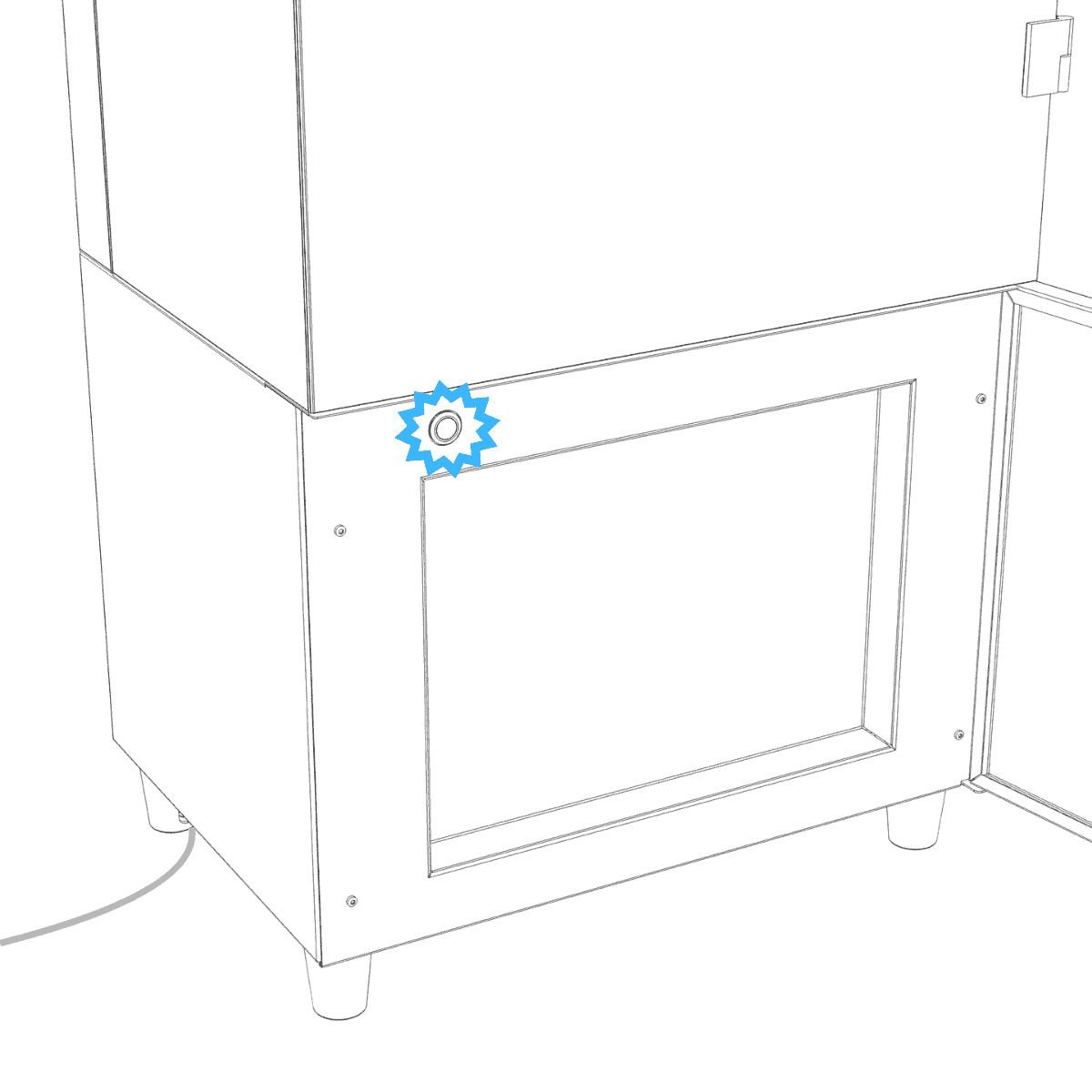
Check that the cabinet button is blinking blue.
If it is not, press and hold the button for 6 seconds until it turns blue, then release.
Step 2: Enable Bluetooth and permissions
Enable Bluetooth on your phone.
When prompted, allow the required permissions:
• Bluetooth / Nearby devices
• Precise location
These are needed to discover and connect to your cabinet.
Step 3: Search for your cabinet
Press Search at the bottom of the screen to find nearby cabinets.
Keep your phone close to the cabinet and its antenna for a stable connection.
Was this article helpful?
Sorry about that! Care to tell us more?