
Cabinet showing as offline
Start by checking the online status in the app.
Even if it says it's offline, this doesn't necessarily mean anything is wrong with your cabinet.
Check the button on the front. If it's solid green, your cabinet is running and growing normally, it just isn't sending its status to the app. Work through the checks below in order, and stop as soon as it reconnects.
Step 1: Restart the cabinet
Unplug the cabinet, wait about 10 seconds, then plug it back in.
If the cabinet reconnects, you're done. If it's still offline after a minute or two, continue to step 2.
Step 2: Retry the Wi-Fi connection in the app
If you recently switched networks, changed routers, or moved the cabinet, it's likely still trying to reach the old network. Press and hold the button on the front of your cabinet for 6 seconds until it turns blue, then release, to put it into pairing mode. In the app, go to your cabinet's settings page, tap the old network name under "Cabinet Wi-Fi," and follow the prompts to connect it to the new one. No factory reset needed, your grow schedule and pods stay exactly as they are. Full steps are in Change cabinet Wi-Fi network guide.
If the app shows no Wi-Fi networks, shows weak signal strength for all networks, or shows connection lost, this could be a problem with the antenna.
If the cabinet connects, you're done. If not, continue to step 3.
Step 3: Check the antenna connection
The Wi-Fi antenna screws into the underside of the base. Reach underneath the cabinet and confirm the nut is still hand-tight. If it has loosened, screw it back in by hand until snug.
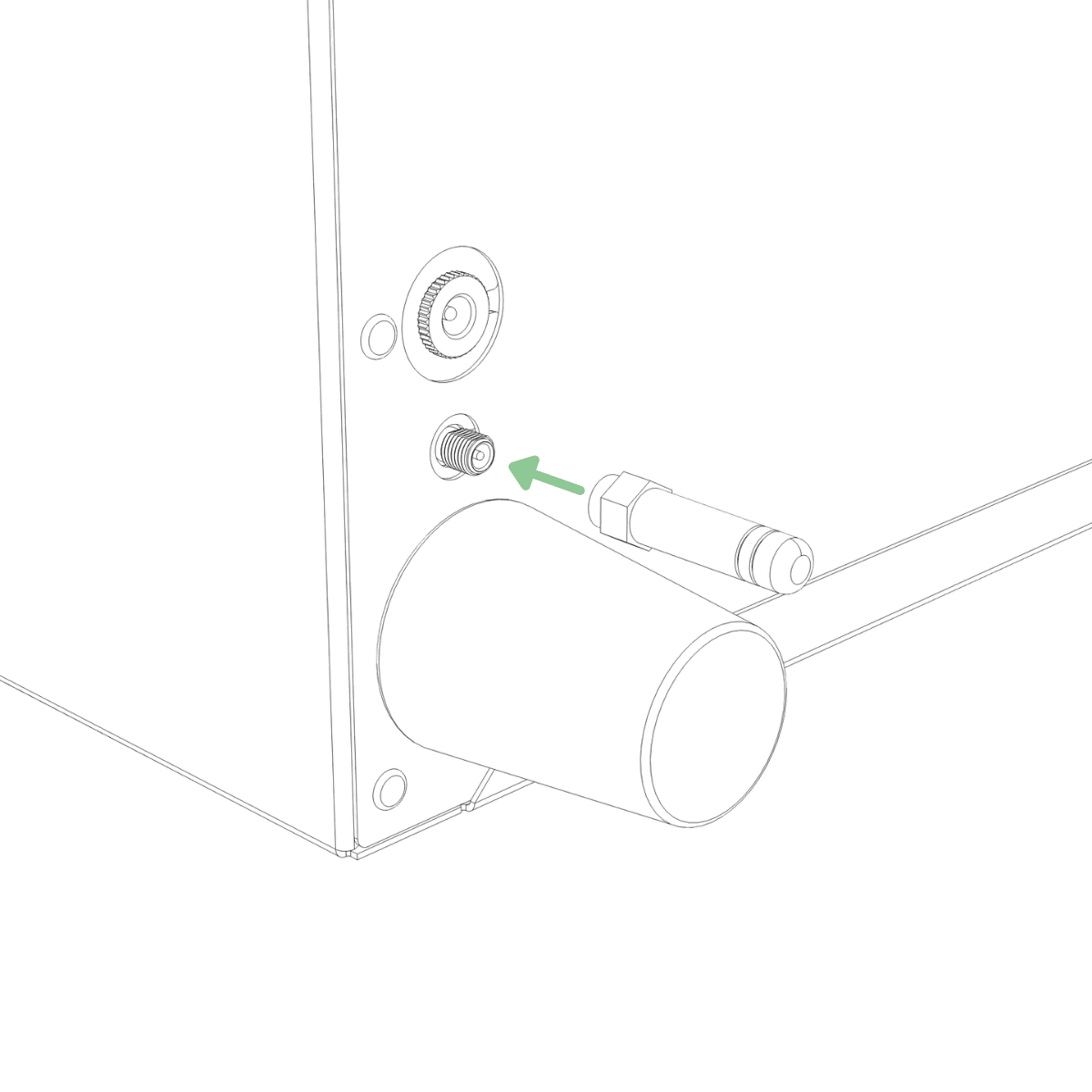
Restart the cabinet by unplugging the power adapter from the cabinet, waiting 10 seconds, and then plugging it back in.
If tightening the antenna brings the cabinet back online, you're done.
Still need help?
If your cabinet is still offline after these checks, email support@vext.fi and tell us what you found at each step, so we can pick up where you left off.